
 Eigen
EigenSessions
Your team and its agents, in one room.
Work with Cursor, Claude Code, and Codex together — every prompt, diff, and approval in one shared session.
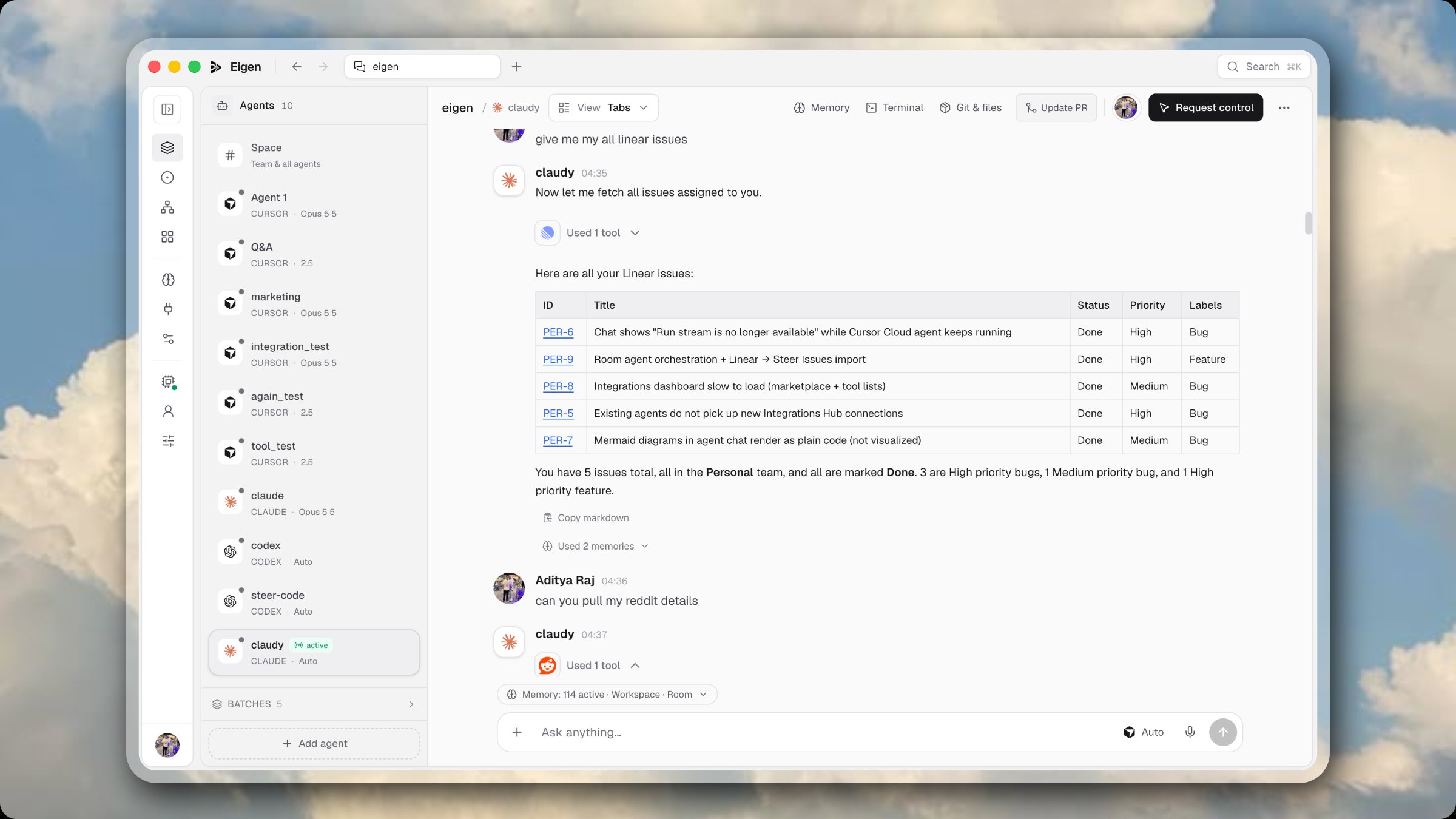
Plan, build, and ship with Cursor, Claude Code, and Codex in one shared workspace — with a company brain that remembers what your team knows.
Maya Chen9:12
Searched r/SaaS, r/startups, r/ExperiencedDevs for “AI coding agents team”…
This is a live demo — click agents, approve the Slack post, open Issues or the Board, or message an agent. Open it full screen →
Built around the tools you already run
Product
Sessions
Work with Cursor, Claude Code, and Codex together — every prompt, diff, and approval in one shared session.
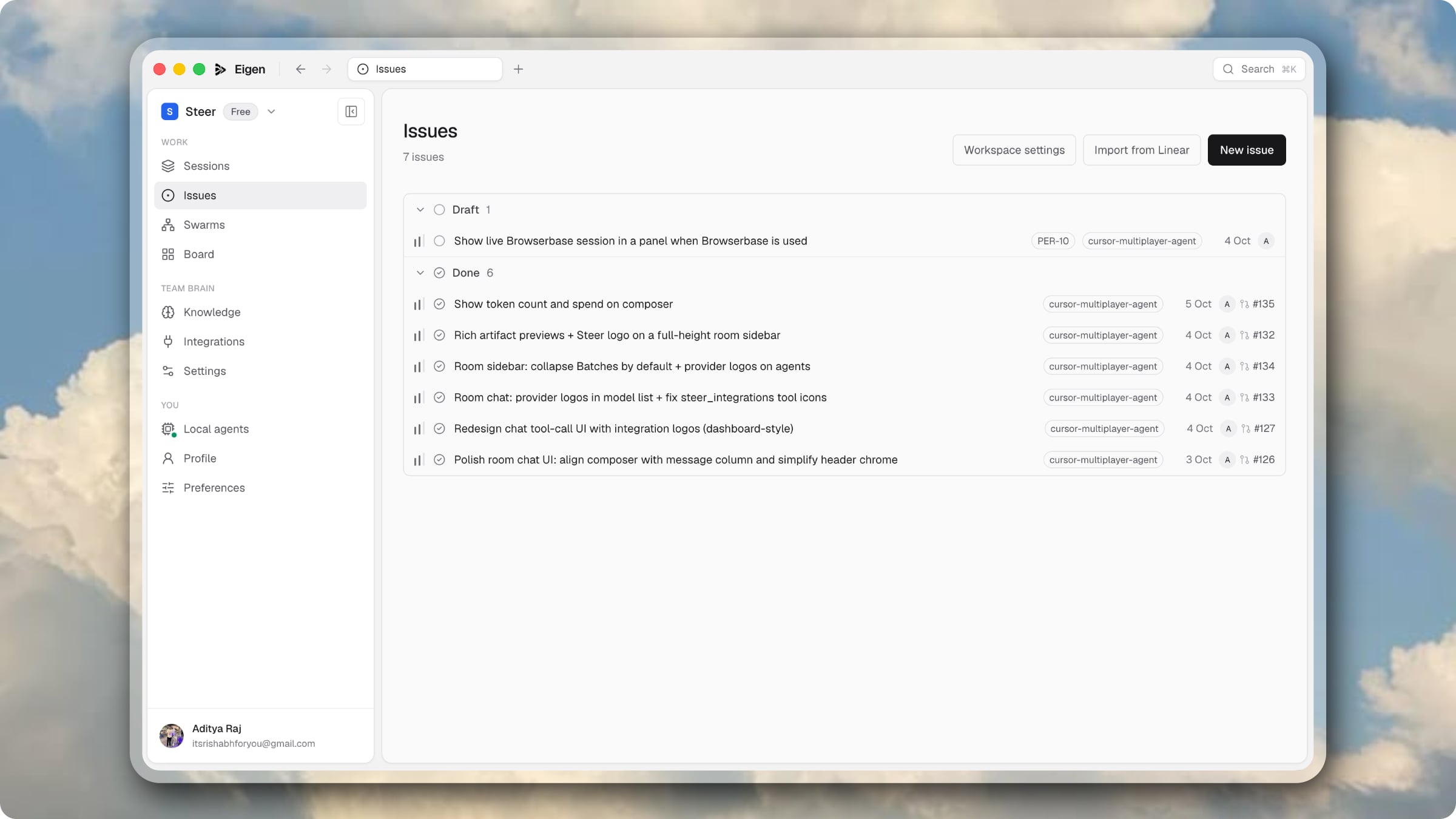
Issues
A cloud agent picks up the ticket, opens the pull request, and writes it up.
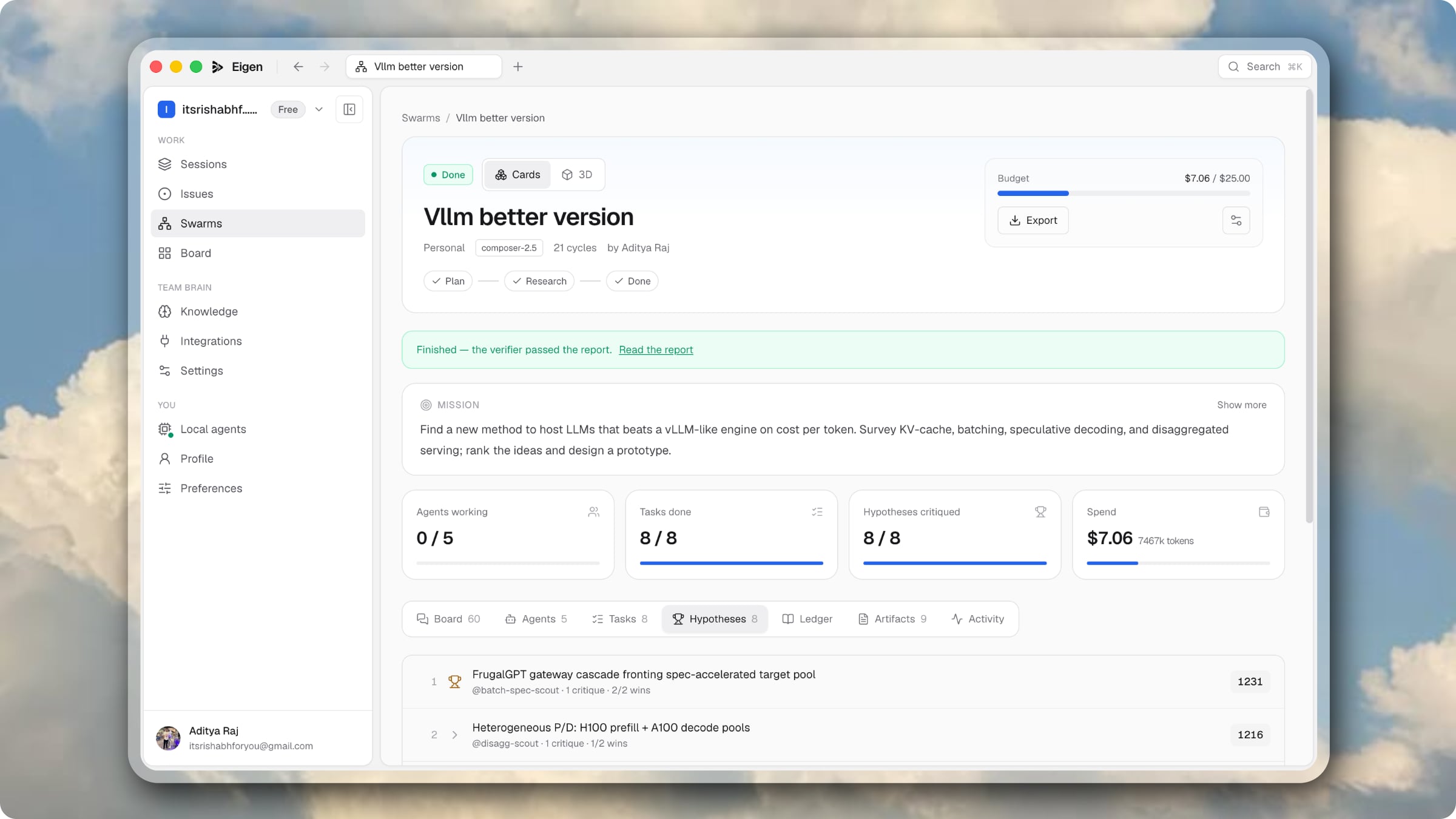
Swarms
Planners, researchers, and critics share one board — inside the budget you set.
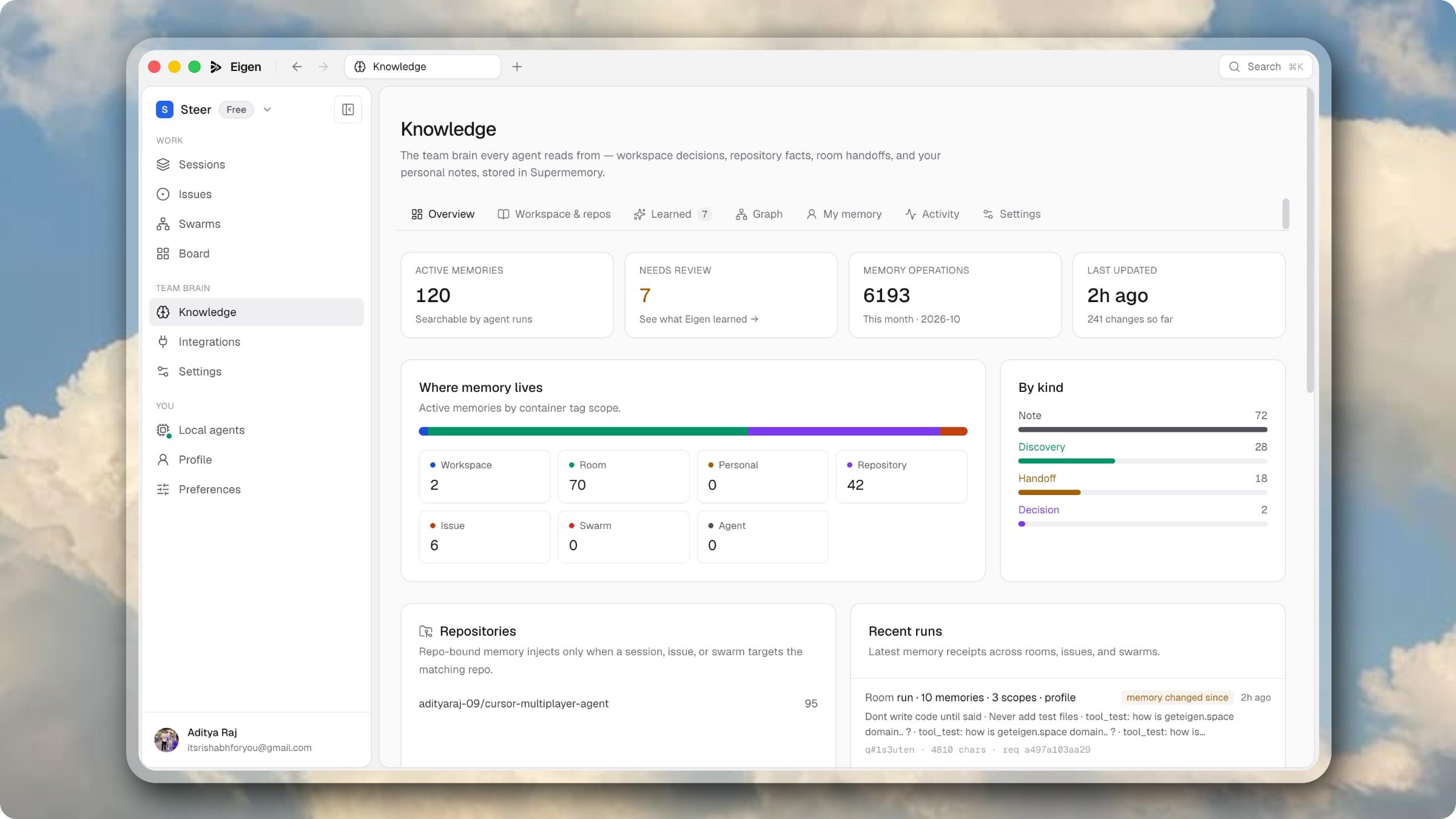
Company brain
Eigen learns from every session and issue, so agents start with what your team already knows.
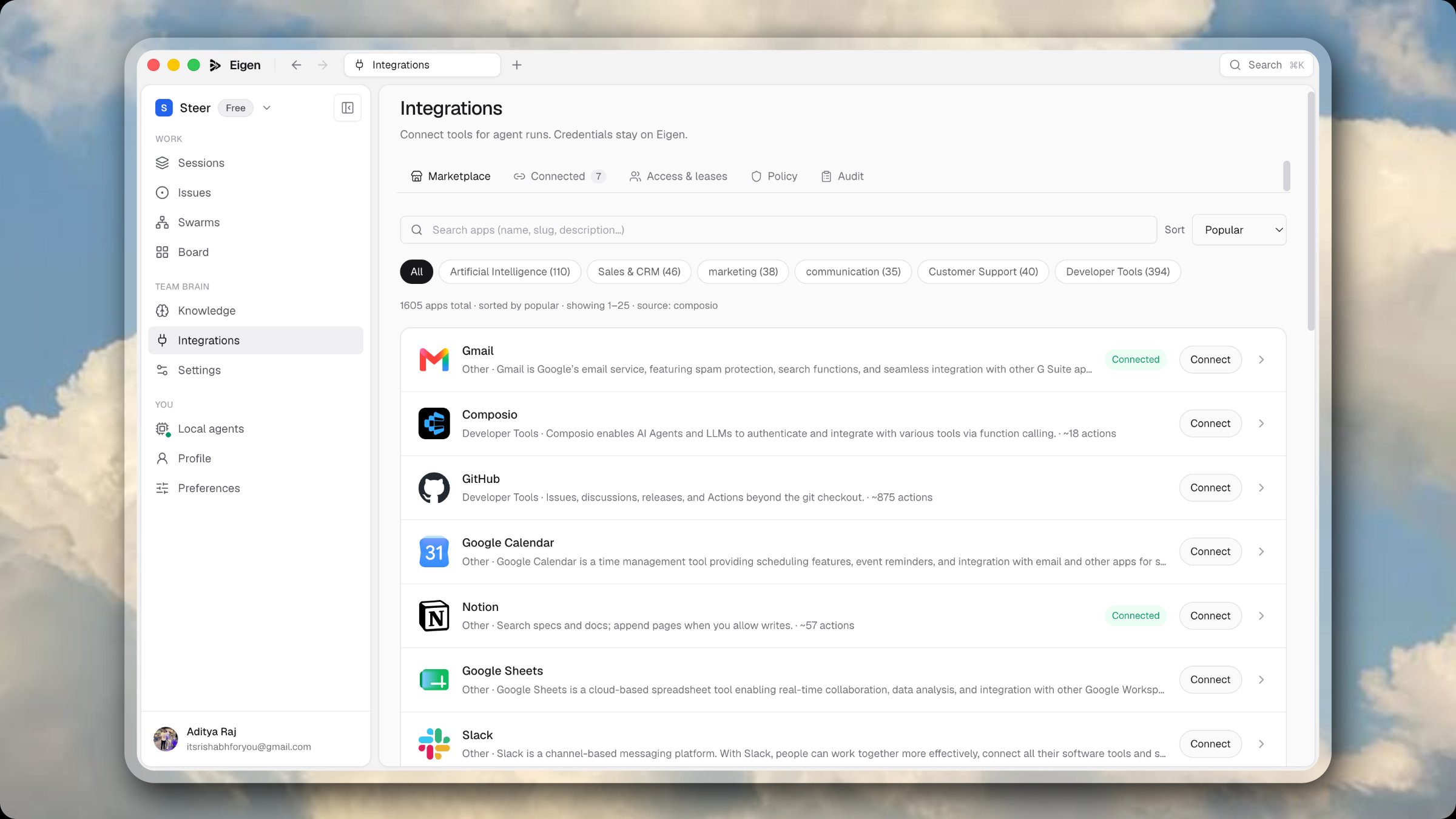
Integrations
Linear, Sentry, Notion, GitHub and more over MCP. Admins set the policy.
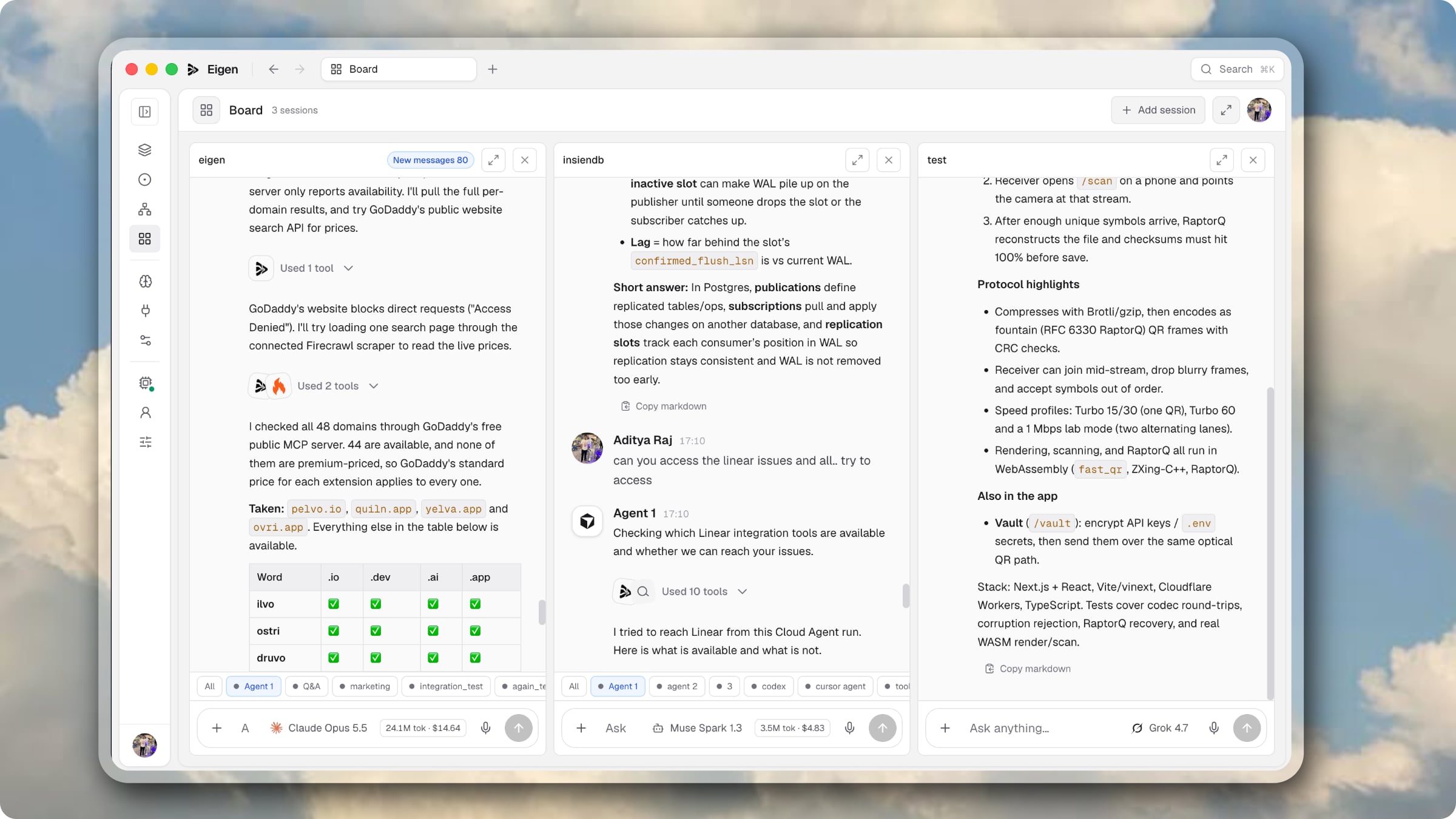
Board
Pin sessions side by side and present them fullscreen.
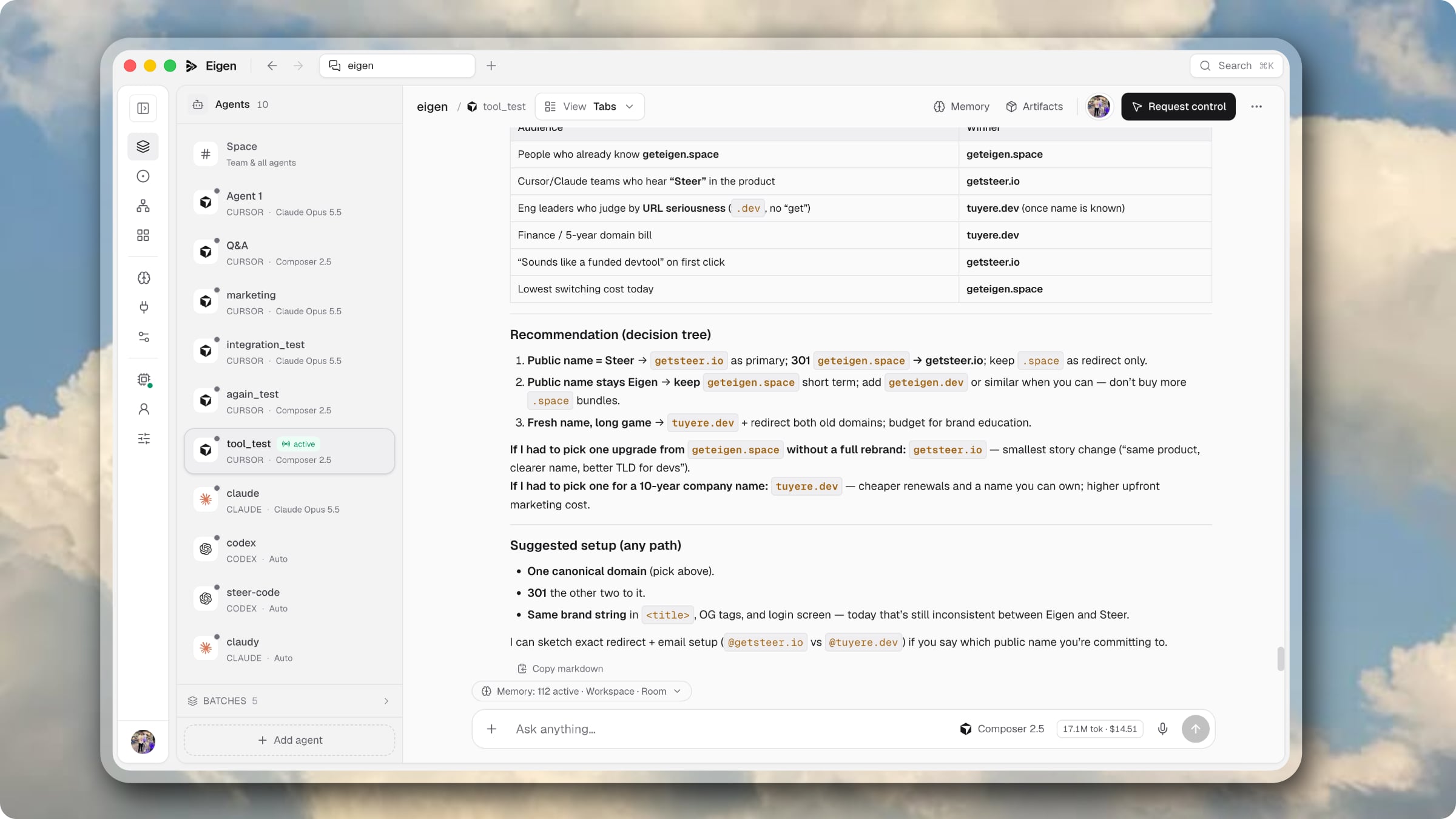
Desktop
Cursor, Claude Code, and Codex run on your machine — no CLI to keep alive.
How it works
Two paths, one product: watch the work happen, or let the agent pick it up while you’re gone.
Open a live room for the team, or file a ticket the headless agent will pick up after the delay.
Share an invite for rooms. Issues never create a session — Cursor Cloud runs in the background.
Redirect mid-flight, approve tools, pin rooms to the board, or open the PR the agent already filed.
Questions
Tickets for a headless Cursor Cloud agent. After the pickup delay (default 10 minutes), the agent runs against the repo, opens a PR, and stores a markdown writeup on the issue — not in git, and not as a Sessions room.
Cursor agents (Cursor Cloud, BYOK, or a server key), plus Claude Code and Codex — either the local CLI or a Blaxel sandbox. You can mix them in the same room.
No install is required for cloud agents or issues. If you want to drive Cursor or Claude Code on your own machine, install the `steer` CLI and run `steer start` after pairing.
Yes. Eigen supports BYOK for Cursor, Anthropic, and OpenAI — keys are encrypted at rest and used only for your sessions, with optional shared team keys.
Share a host-managed invite link with a max-use count and expiry. Teammates sign in and immediately see every agent's live chat, tool calls, and diffs.
Anyone can message any agent, and steering stays attributed. The driver seat can be requested, granted, or released per agent. Drivers cannot self-approve dangerous tool calls.
Yes — chat, diffs, and issue activity persist (SQLite or Postgres). Anyone can join mid-session. Issue writeups stay on the ticket after the PR.